

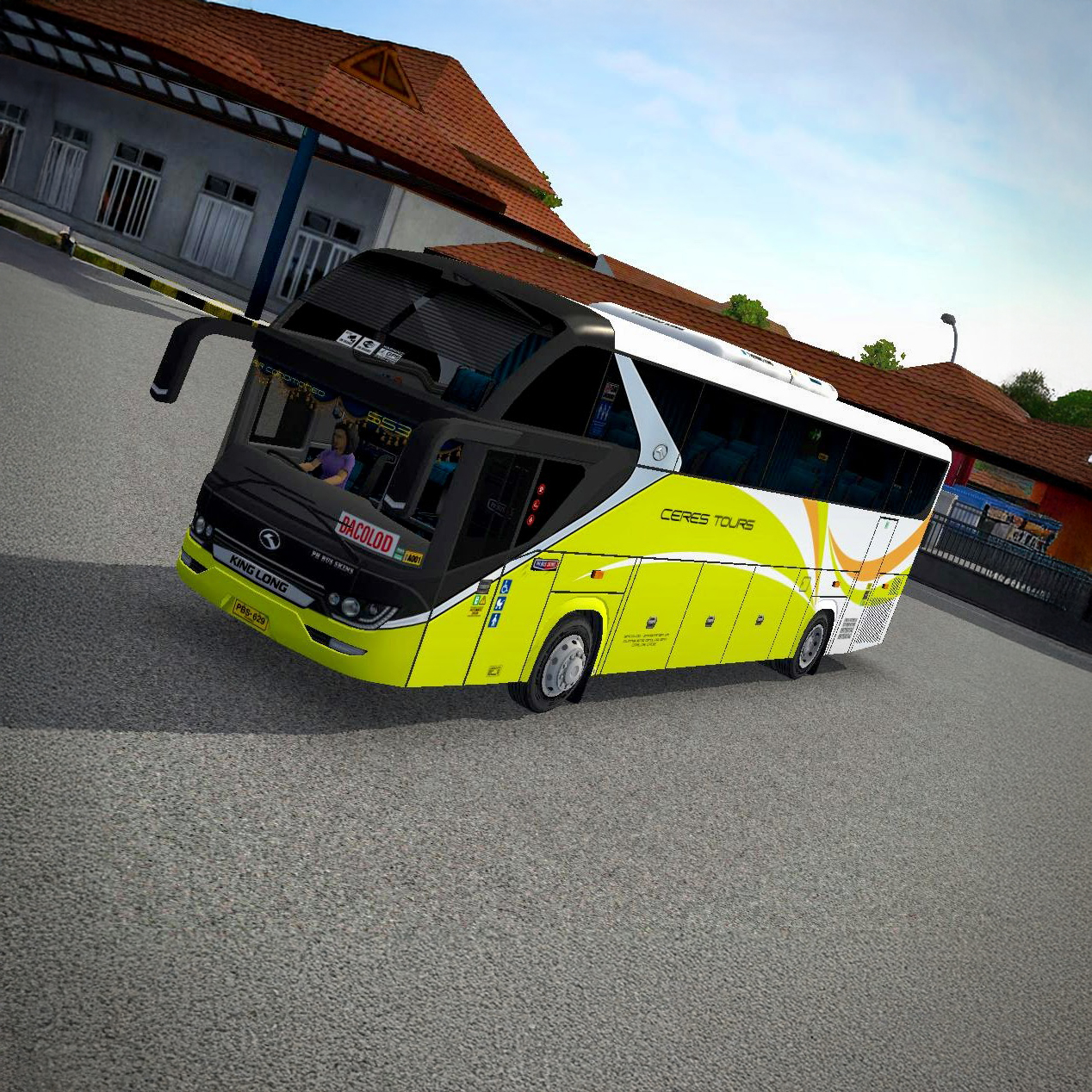
Ceres Tours Srikandi Premium
Experience the road in style with the vibrant Ceres Tours King Long livery, a stunning premium bus skin for Bus Simulator Indonesia!

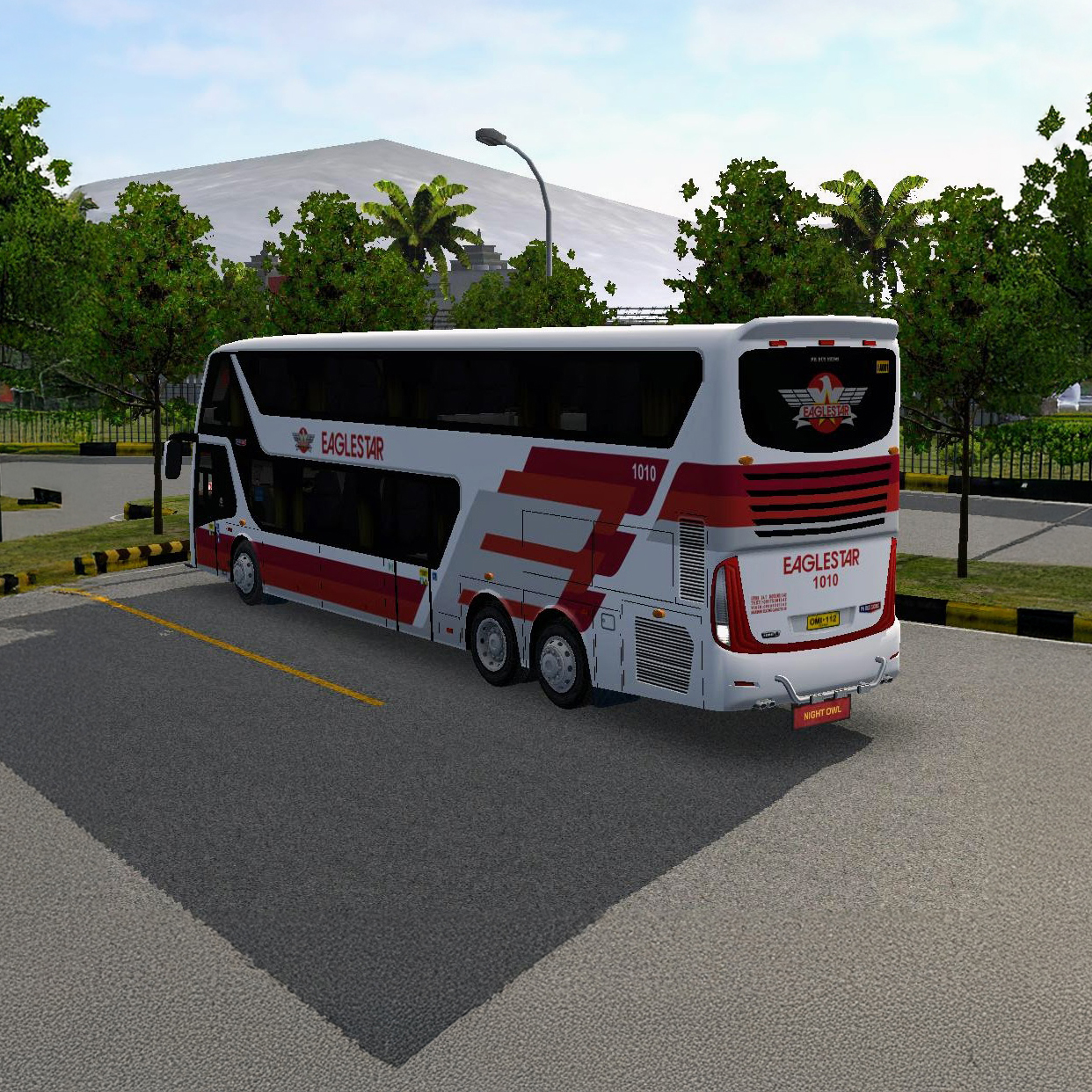
Eaglestar Bimasena Premium
A premium-quality skin for the BImasena SDD, featuring the distinct Eaglestar Bus livery, is now available for Bus Simulator Indonesia.
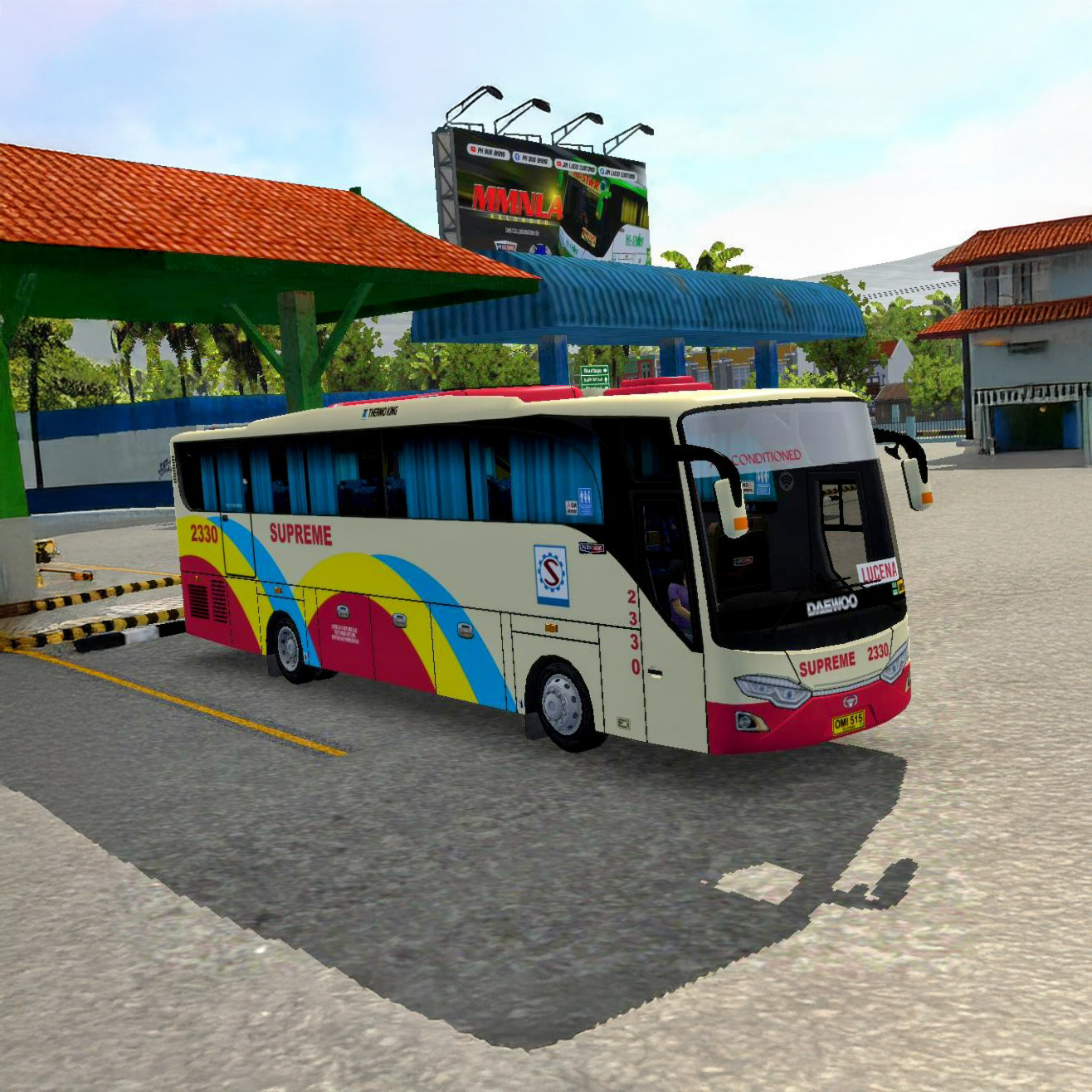
Supreme Yudistira
Grab the free premium quality skin for Yudistira, featuring the colorful Supreme Transport livery, in Bus Simulator Indonesia.
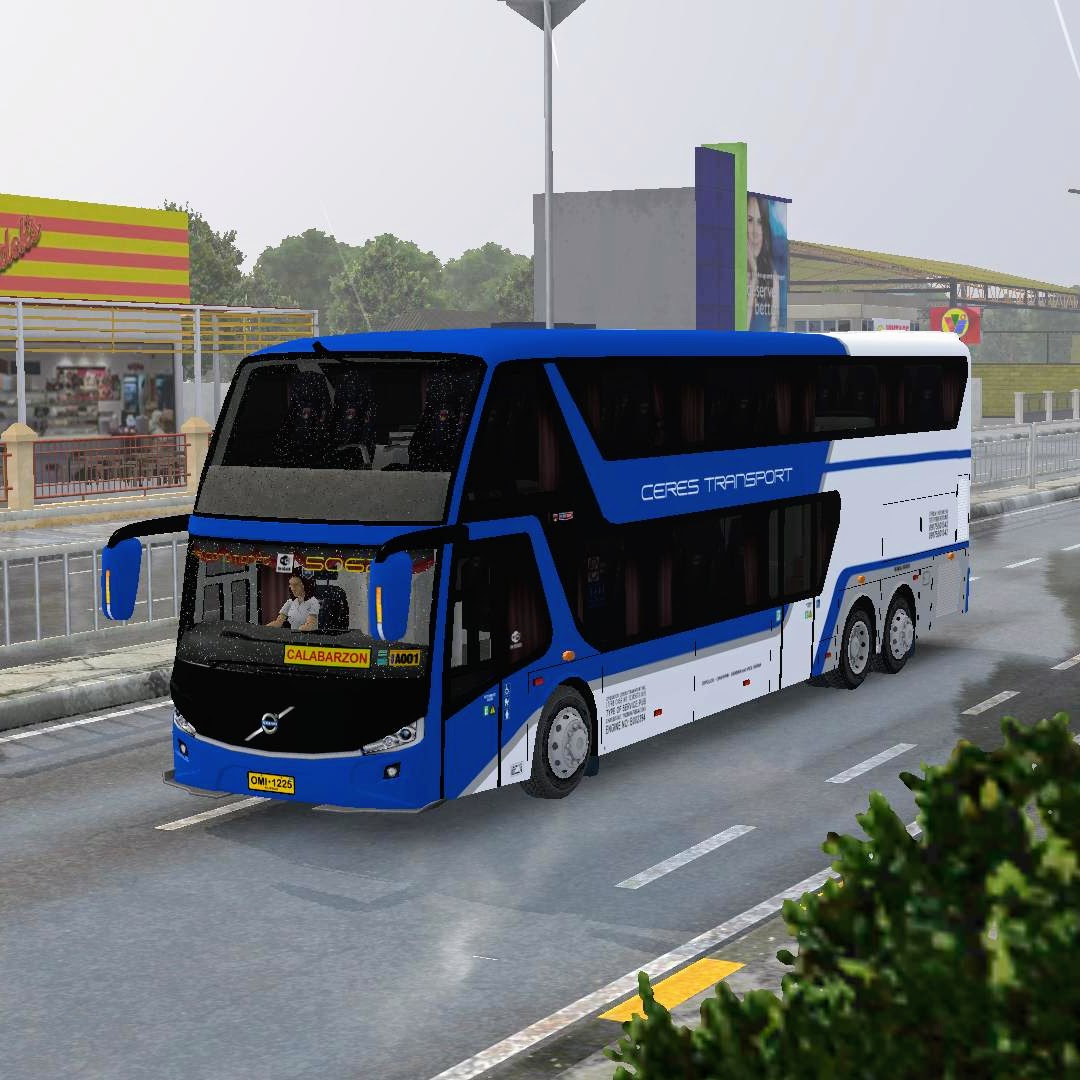
Ceres Transport Bimasena SDD
Experience the free Ceres Transport skin featuring a bold blue-white double-decker design delivering authentic, premium Filipino transport style in Bus Simulator Indonesia.
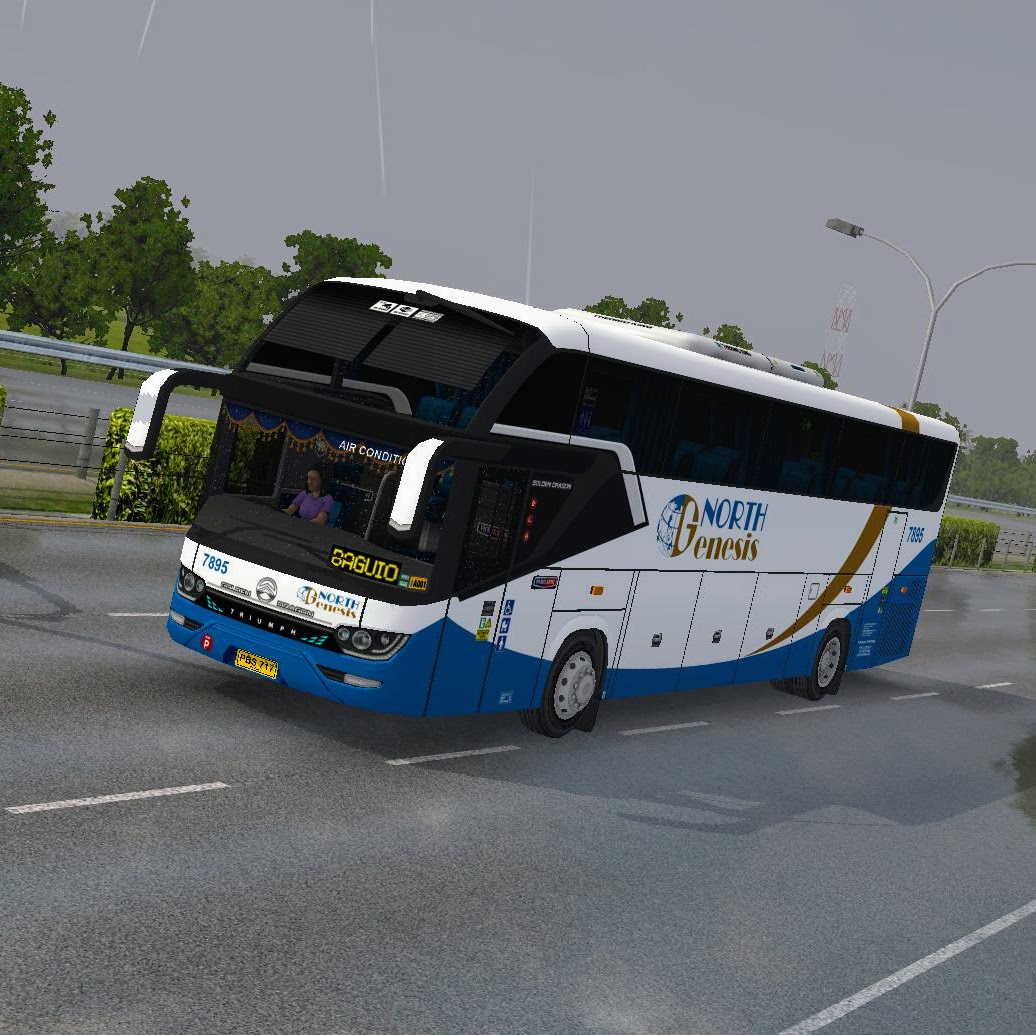
North Genesis Srikandi Premium
Drive the North Genesis premium skin! This sleek white and blue livery with gold accents offers authentic, modern style for Bus Simulator Indonesia.
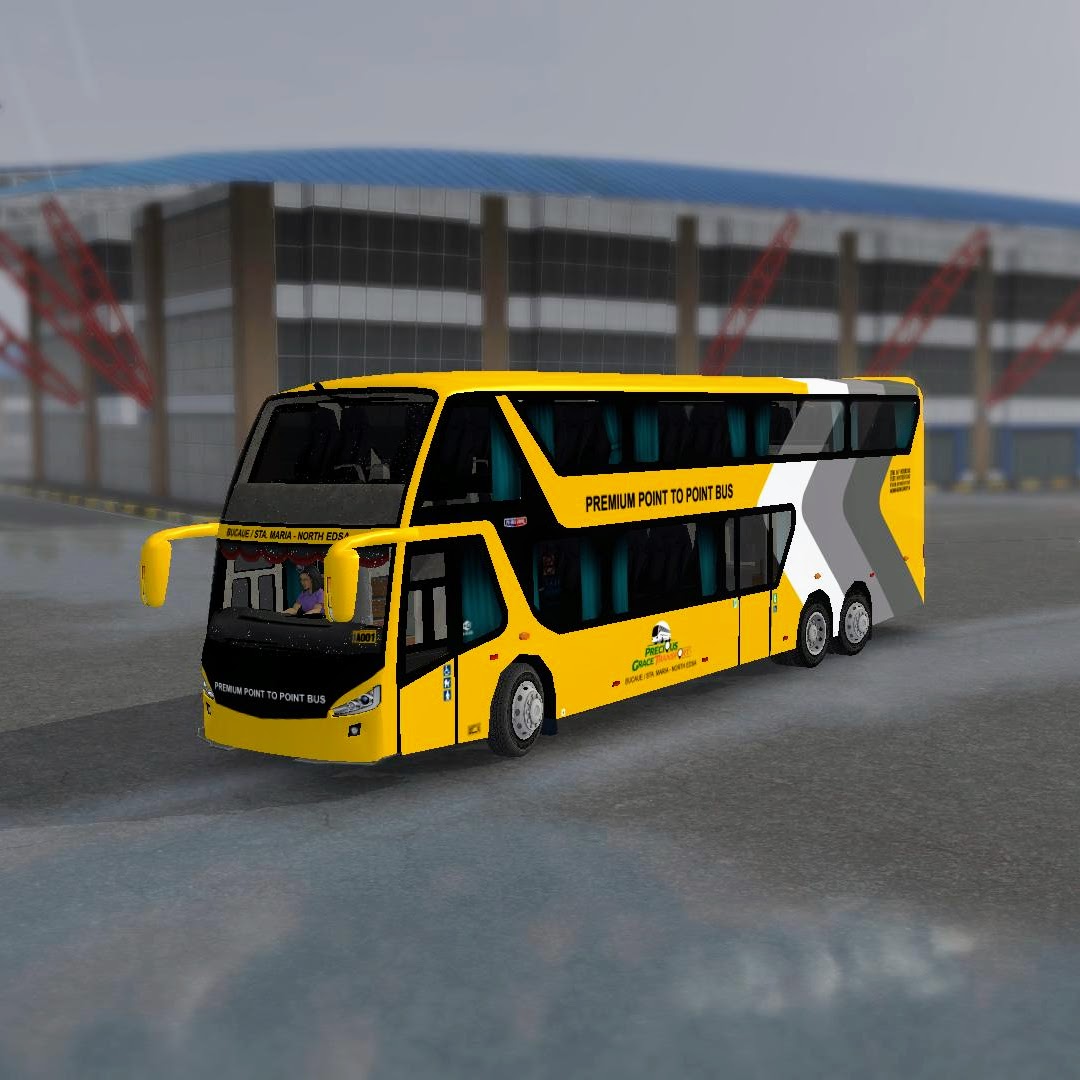
P2P Bimasena SDD
Experience the premium Point to Point double-decker skin with a bold yellow-gray chevron design delivering sleek style in Bus Simulator.
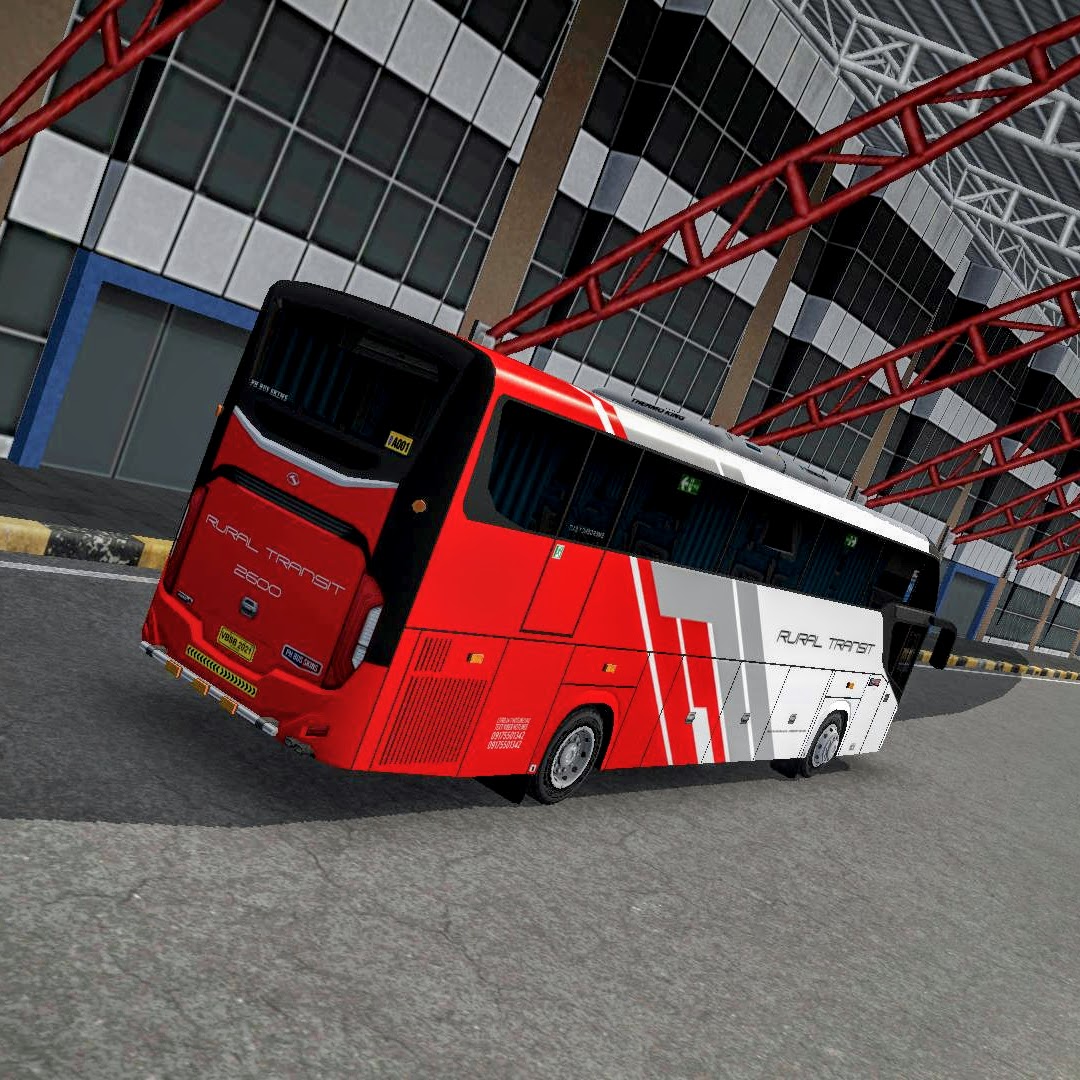
Rural Tours Srikandi Premium
Experience the premium look of Rural Transit! This striking red and white modern coach livery delivers sleek style and dynamic presence on every route you drive.
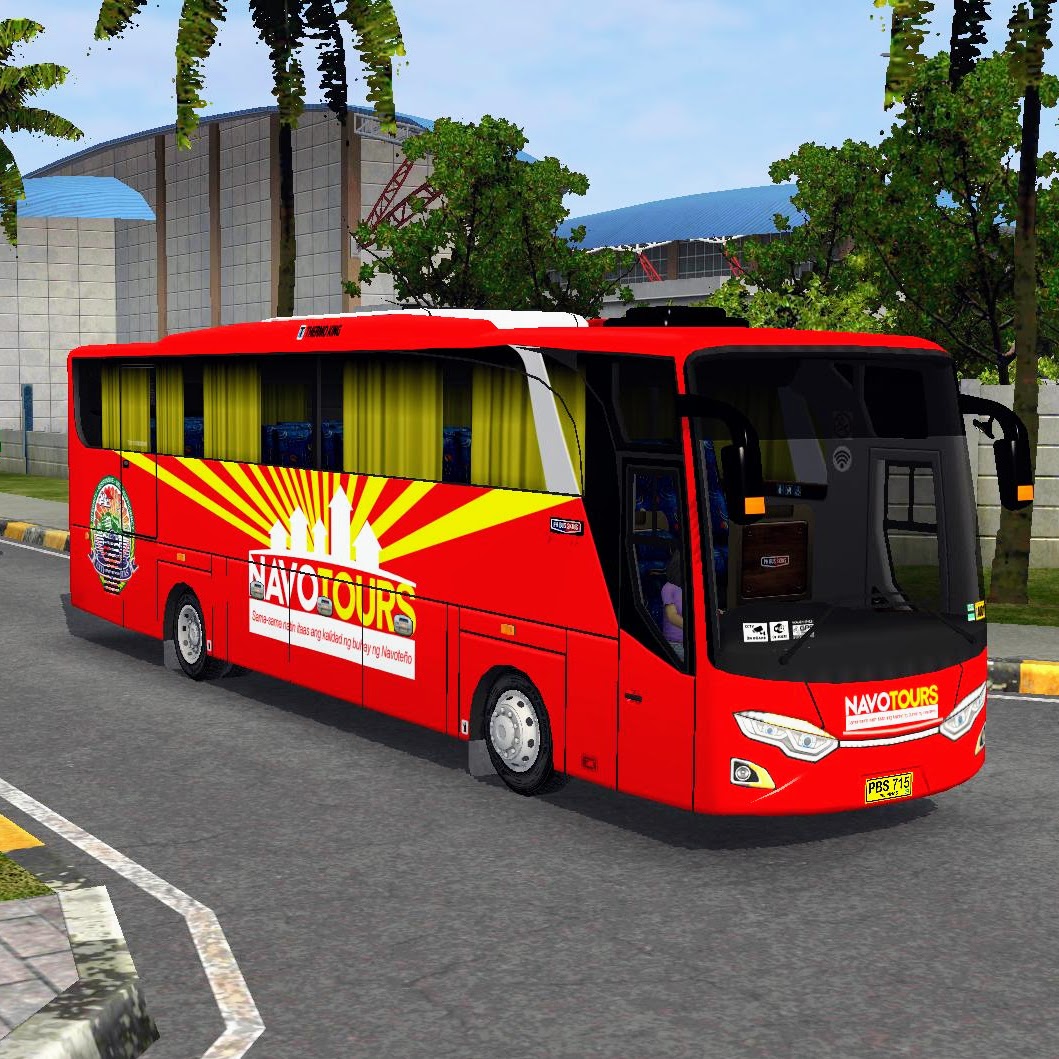
Navo Tours Yudistira
Go bold for free! Experience the vibrant Navo Tours skin in Bus Simulator Indonesia, featuring eye-catching red colors, dynamic graphics, and a truly authentic modern coach feel.
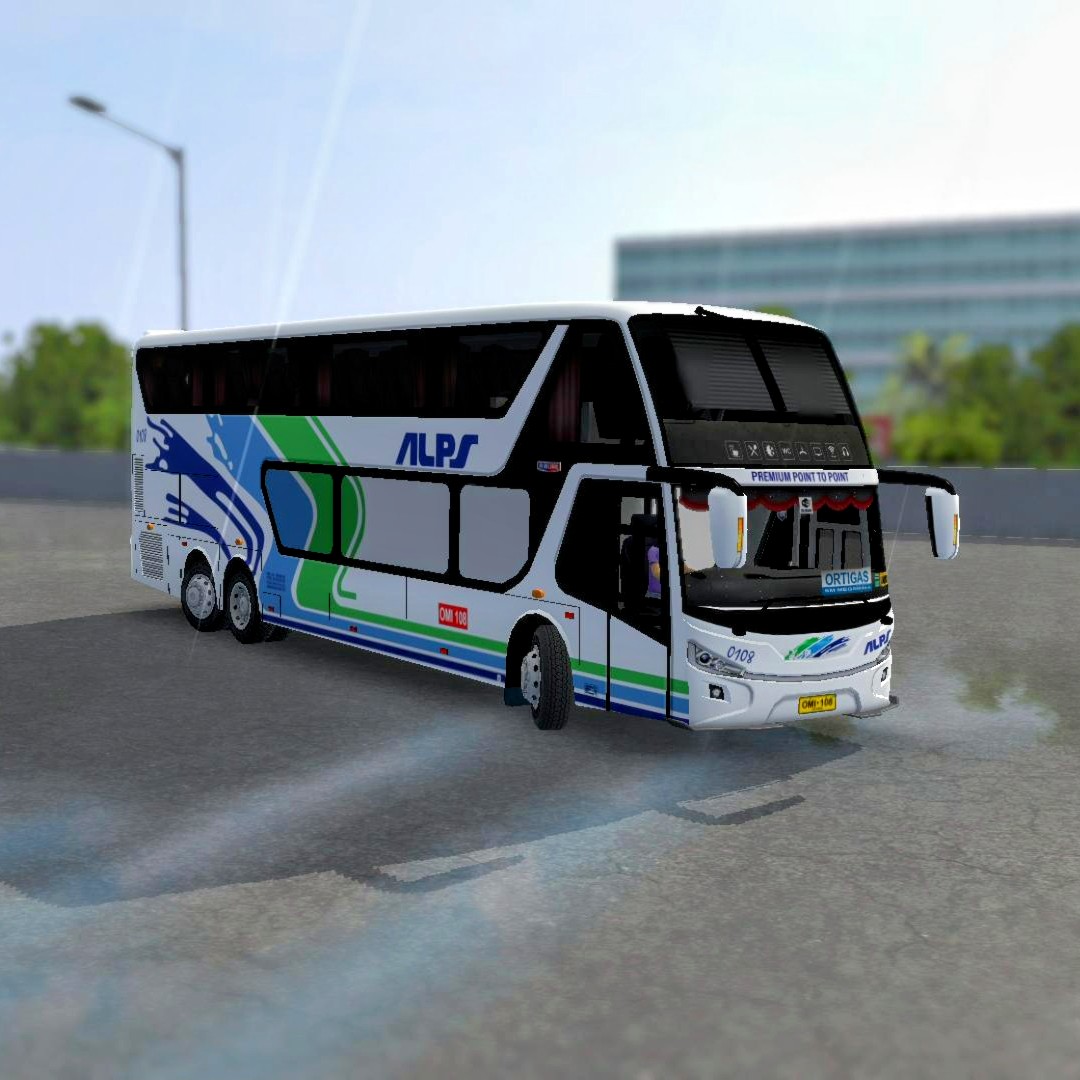
Alps The Bus Bimasena SDD
Upgrade your routes with this free Alps The Bus skin—sleek design, crisp details, and smooth realism crafted for Bus Simulator Indonesia.
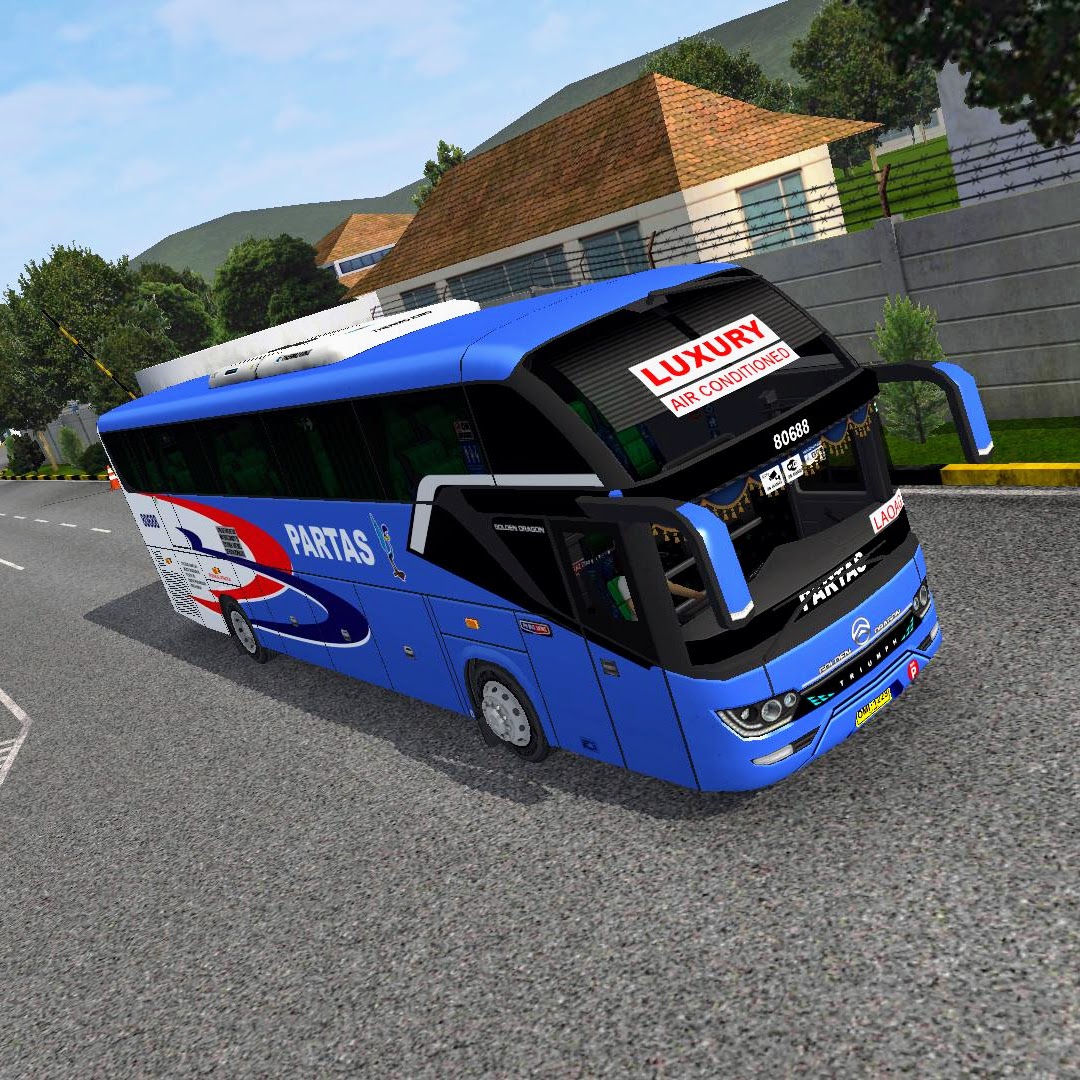
Partas Srikandi Premium
Premium PARTAS blue luxury skin featuring crisp graphics, elegant detailing, and realistic textures, delivering a high-end, immersive BUSSID driving experience.