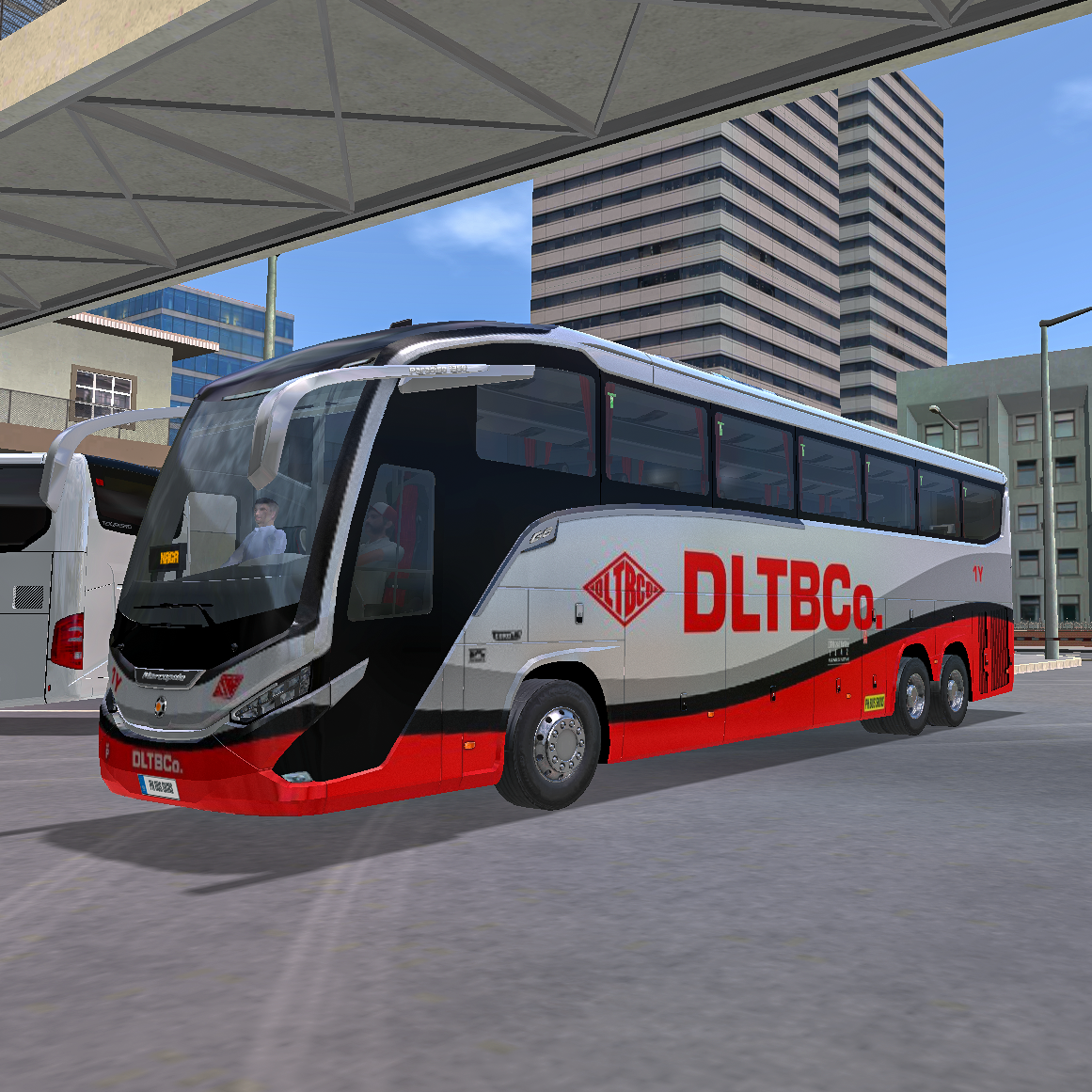
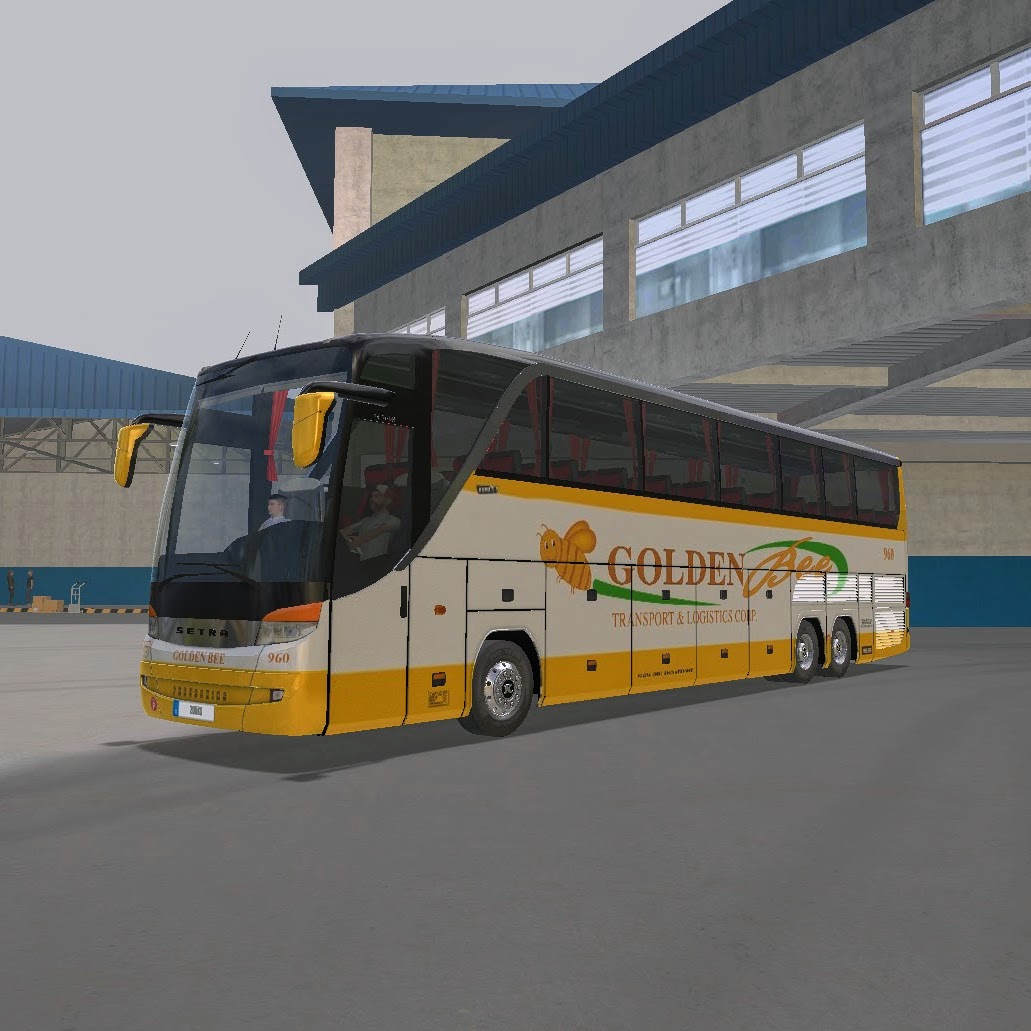
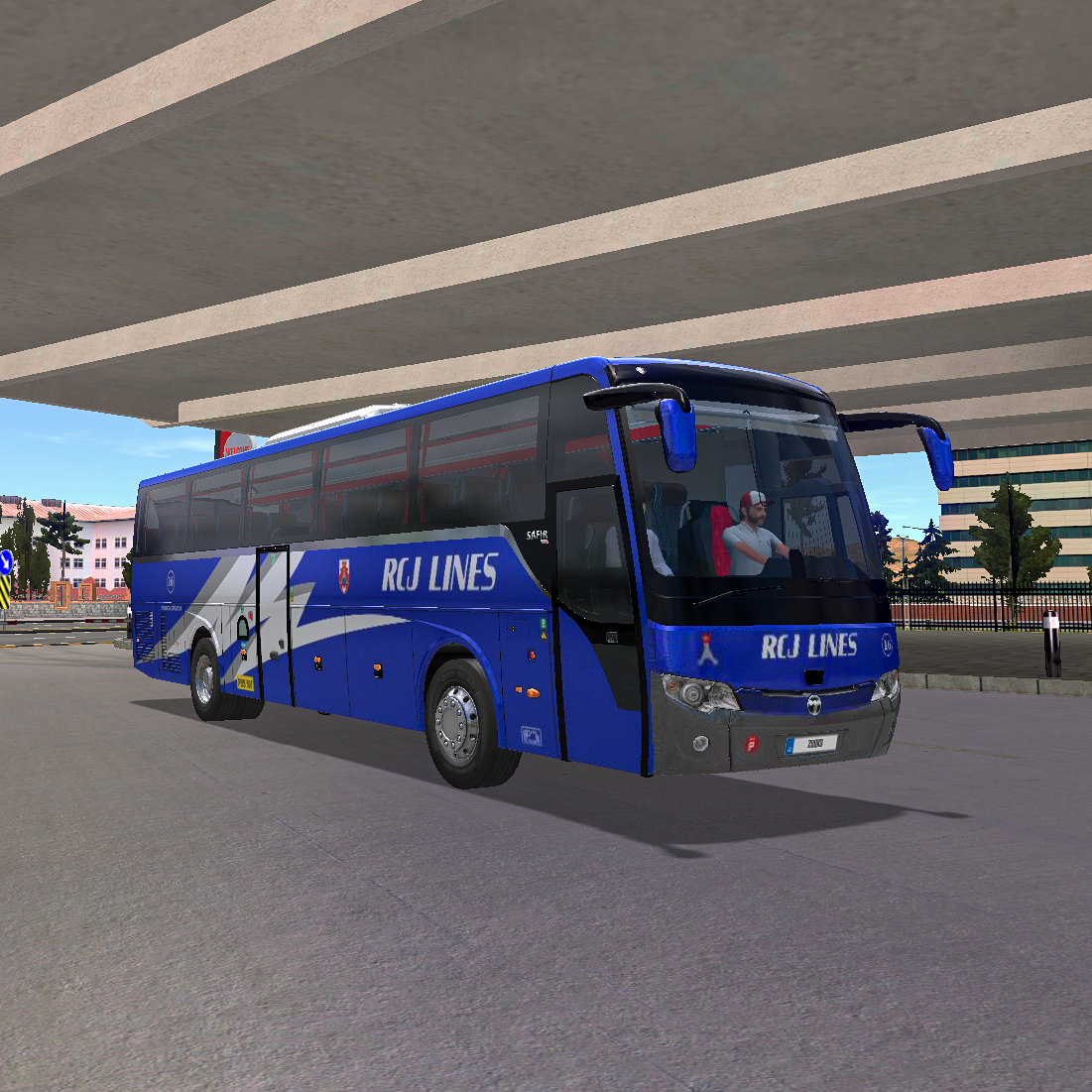
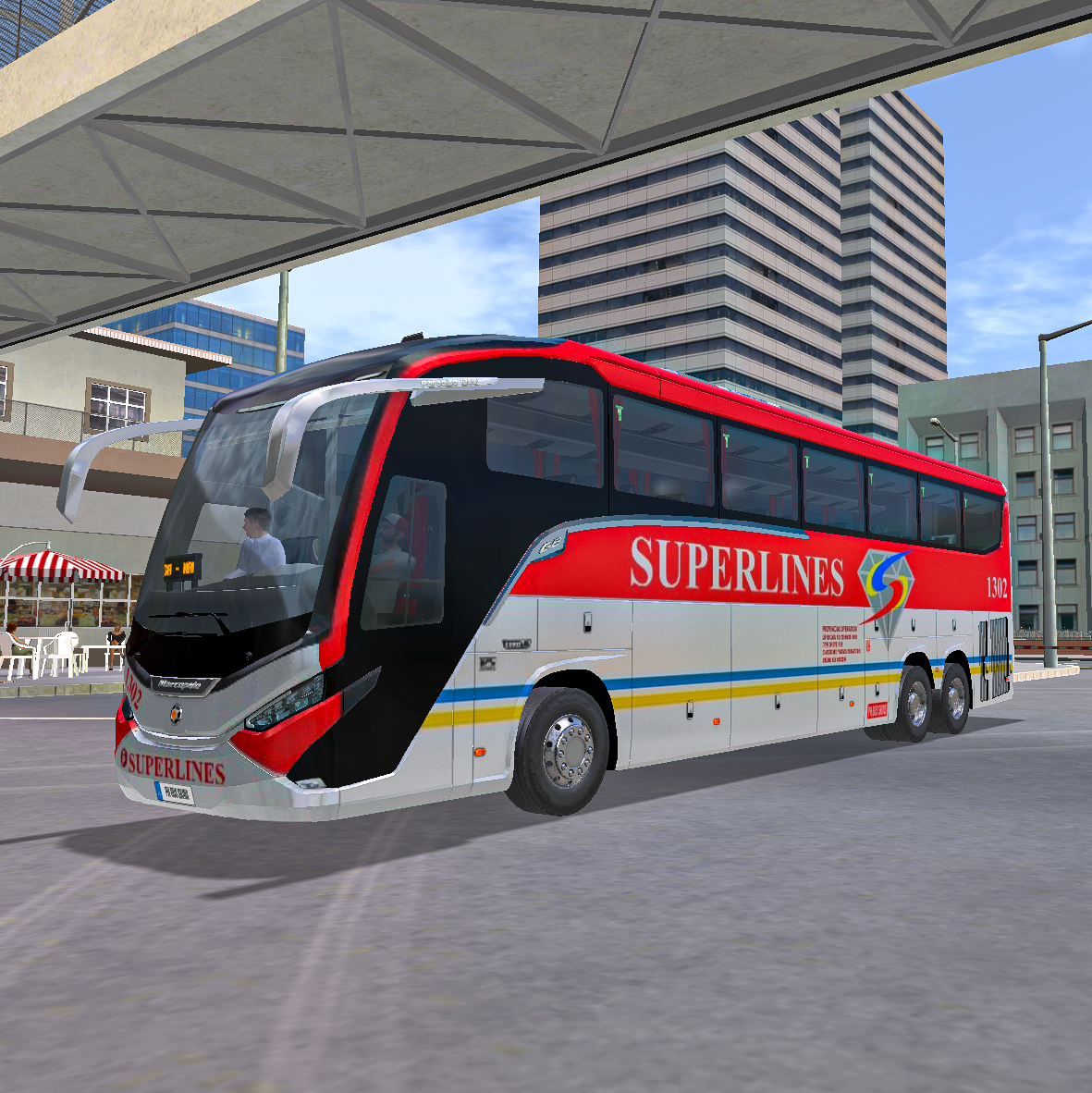
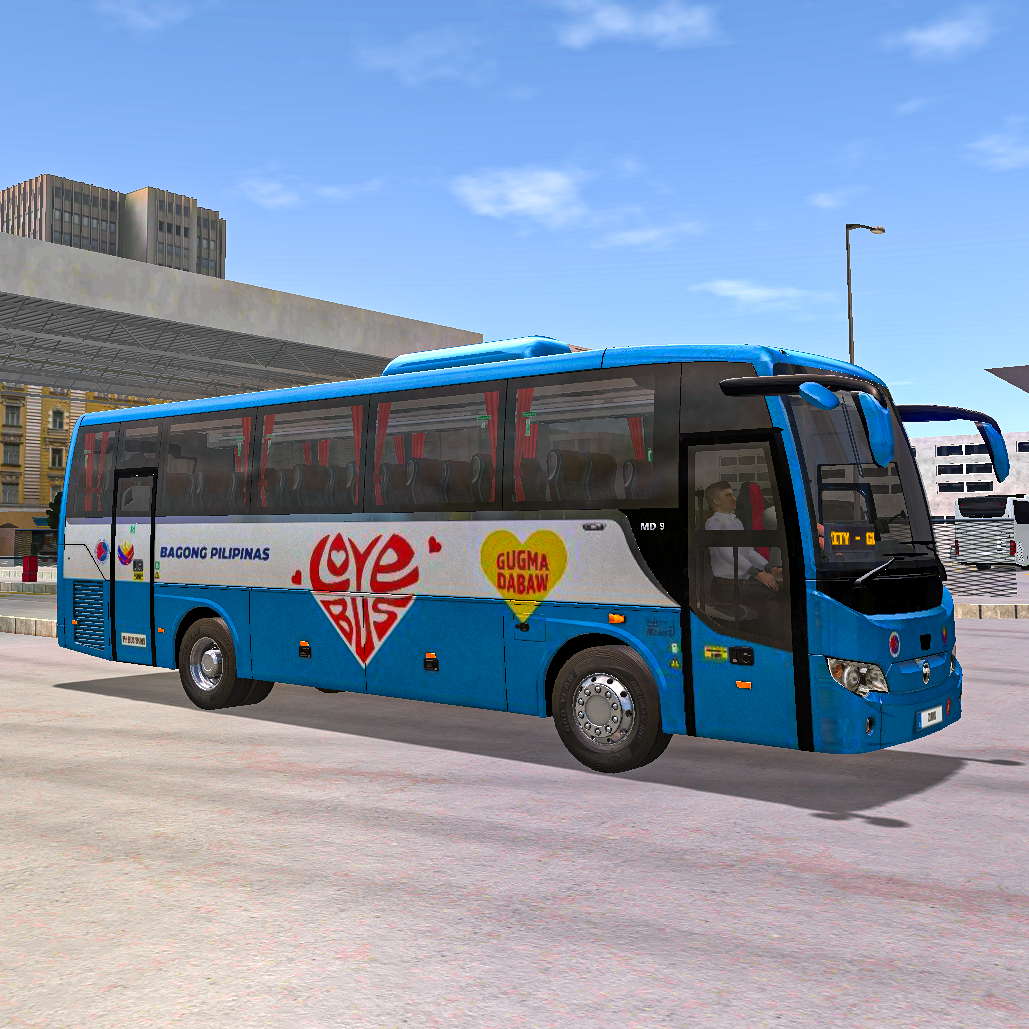
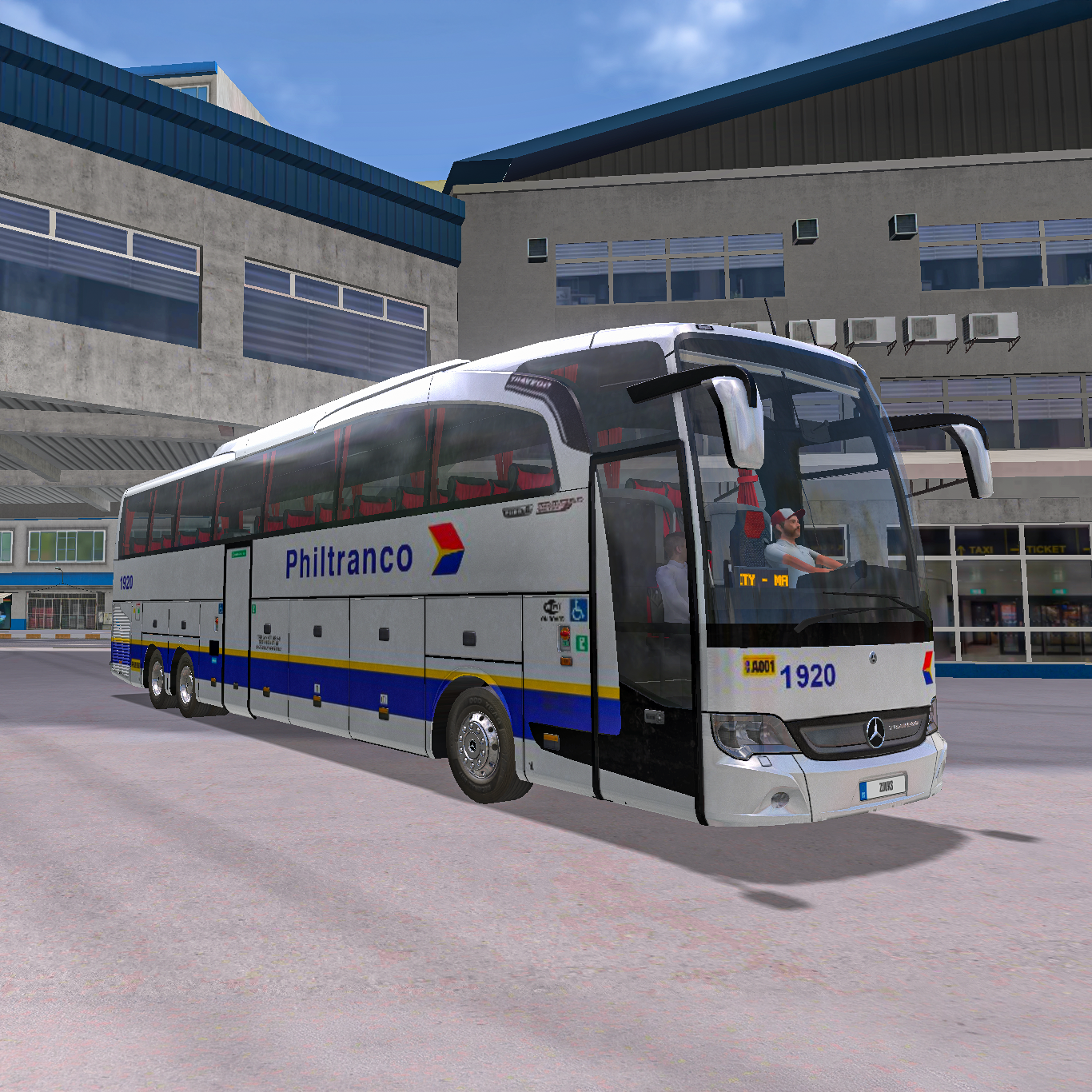
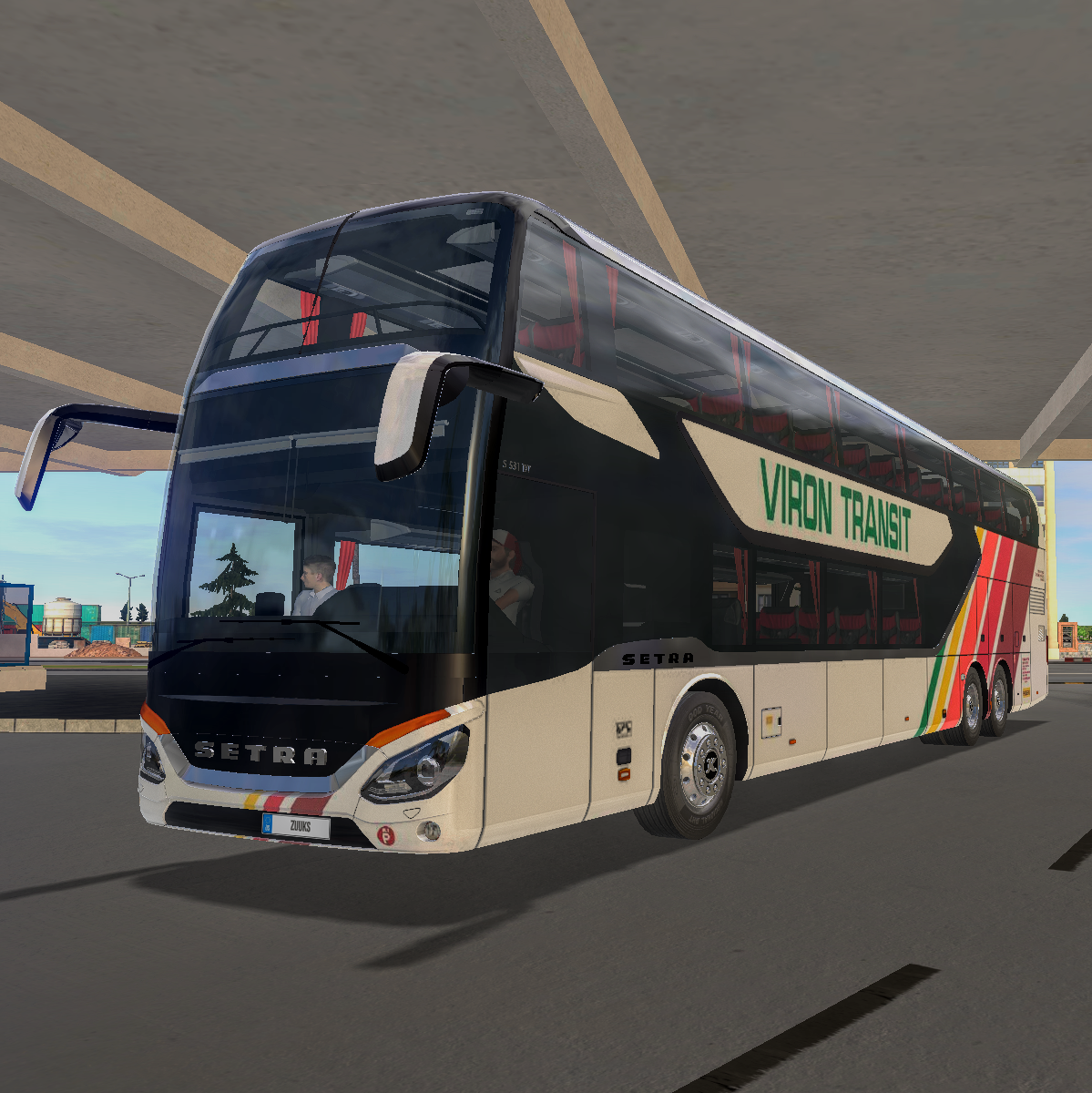
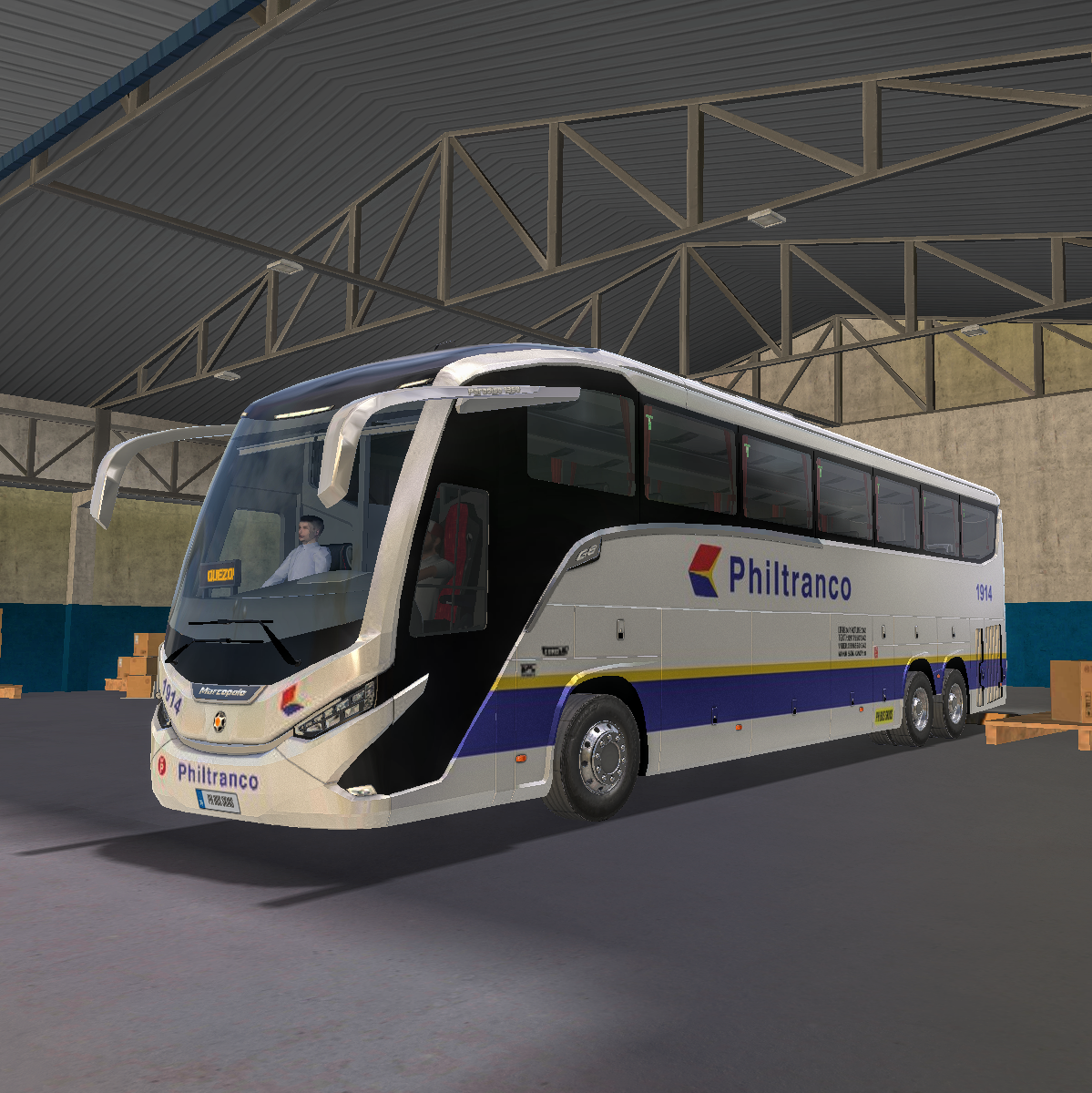
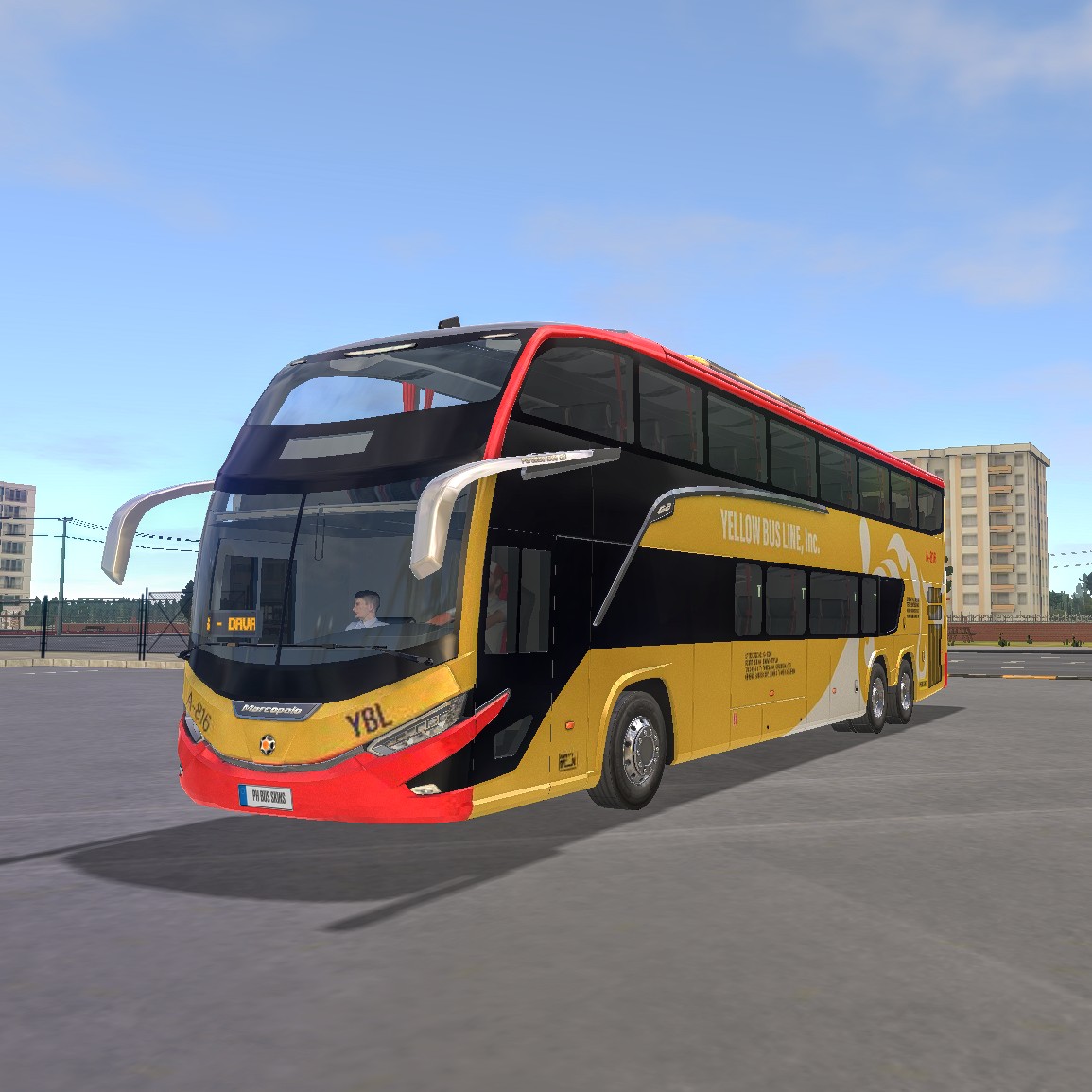
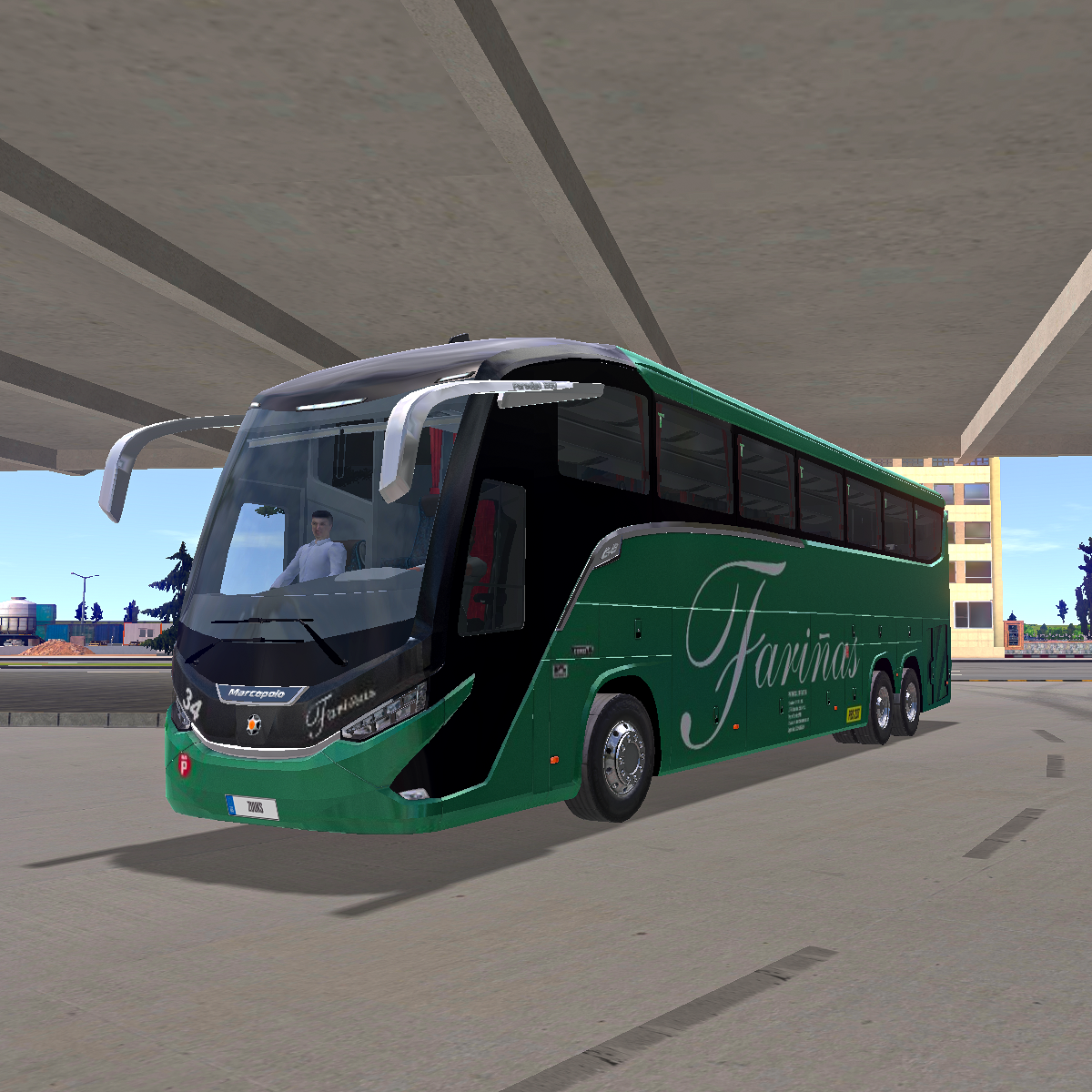
BBL Trans MCI J450 2017

Add dynamic style without the cost. Download the free BBL Trans skin now, featuring a unique red, yellow, and white design.

This skin is free to use for your Bus Simulator mobile game.

I appreciate if you give credits when posting in social media and groups.

Enjoy and have fun.

42

More Bus Skins

Link copied!

HOW TO INSTALL

  1. Open your Bus Simulator: Ultimate game app.
  2. Go to GARAGE and click MY VEHICLES.
  3. Find and choose the correct bus for the skin.
  4. Click CUSTOMIZE and choose SKINS.
  5. Click ADD and paste the copied link to the ADD URL field and click ADD to proceed.
  6. Wait until the skin is fully downloaded.
  7. After succesful download, you will be able to see the skin in the list. Simply click it to use.
Close